Google Earth based web viewer for Arduino GPS/OBD logger
The whole thing is still in early stage. The idea is converting logged data file into a KMZ file and a HTML file which can be loaded and viewed in web browser.
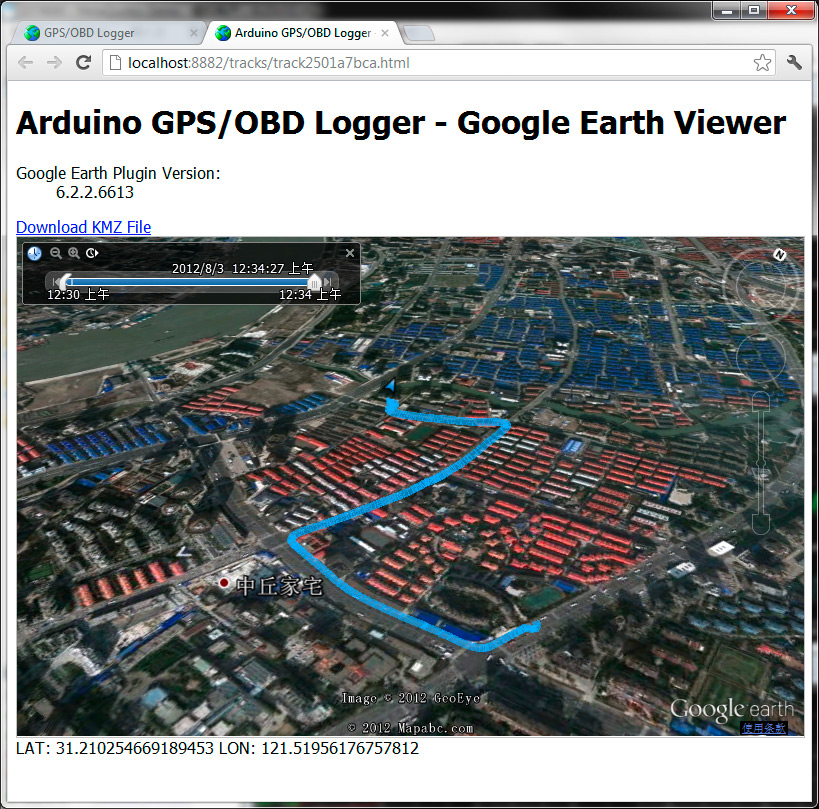
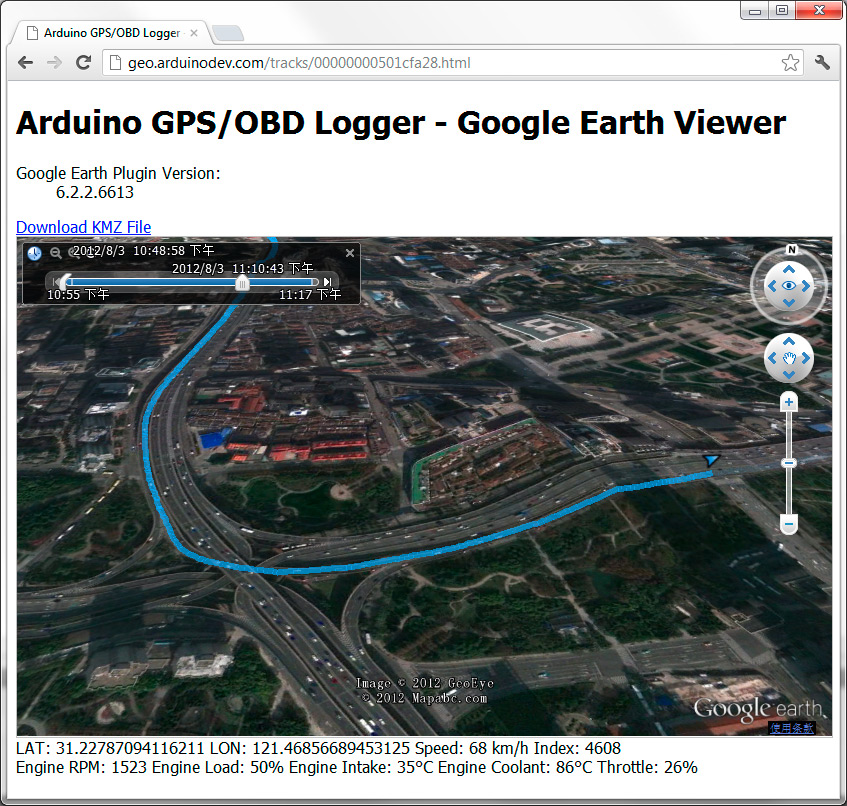


The whole thing is still in early stage. The idea is converting logged data file into a KMZ file and a HTML file which can be loaded and viewed in web browser.
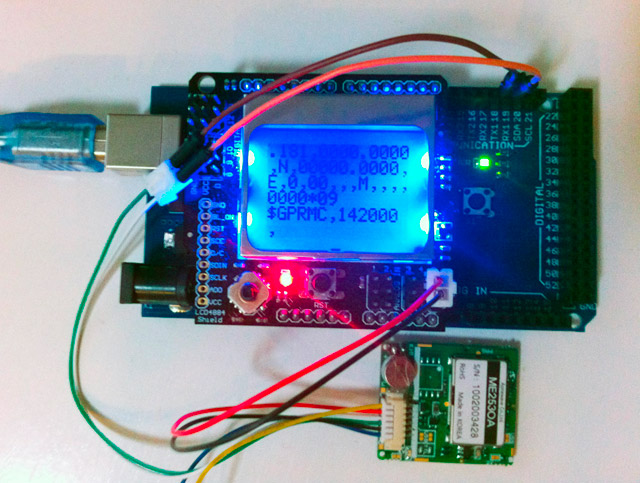
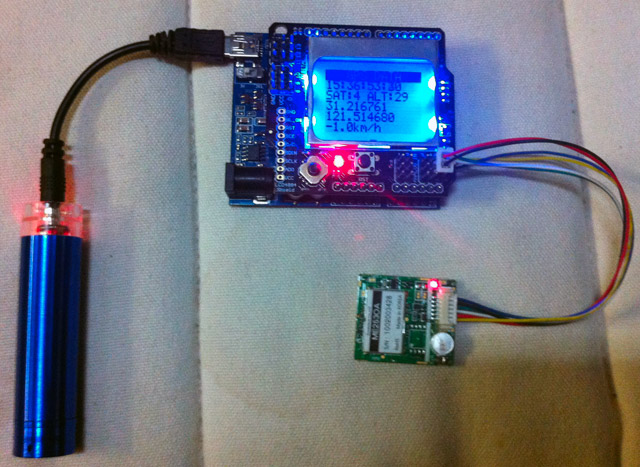
This is a GPS module test sketch for Arduino based on a LCD1602 shield. You can either save it to local INO file and build width Arduino IDE (TinyGPS library is required). You can also compile it online into a HEX file and upload to Arduino with AVRDUDE or other uploading utilities.
The Arduino OBD-II adapter now comes with accelerometer built-in . This demo video shows an Arduino with RGB LED matrix rendering data of the accelerometer.
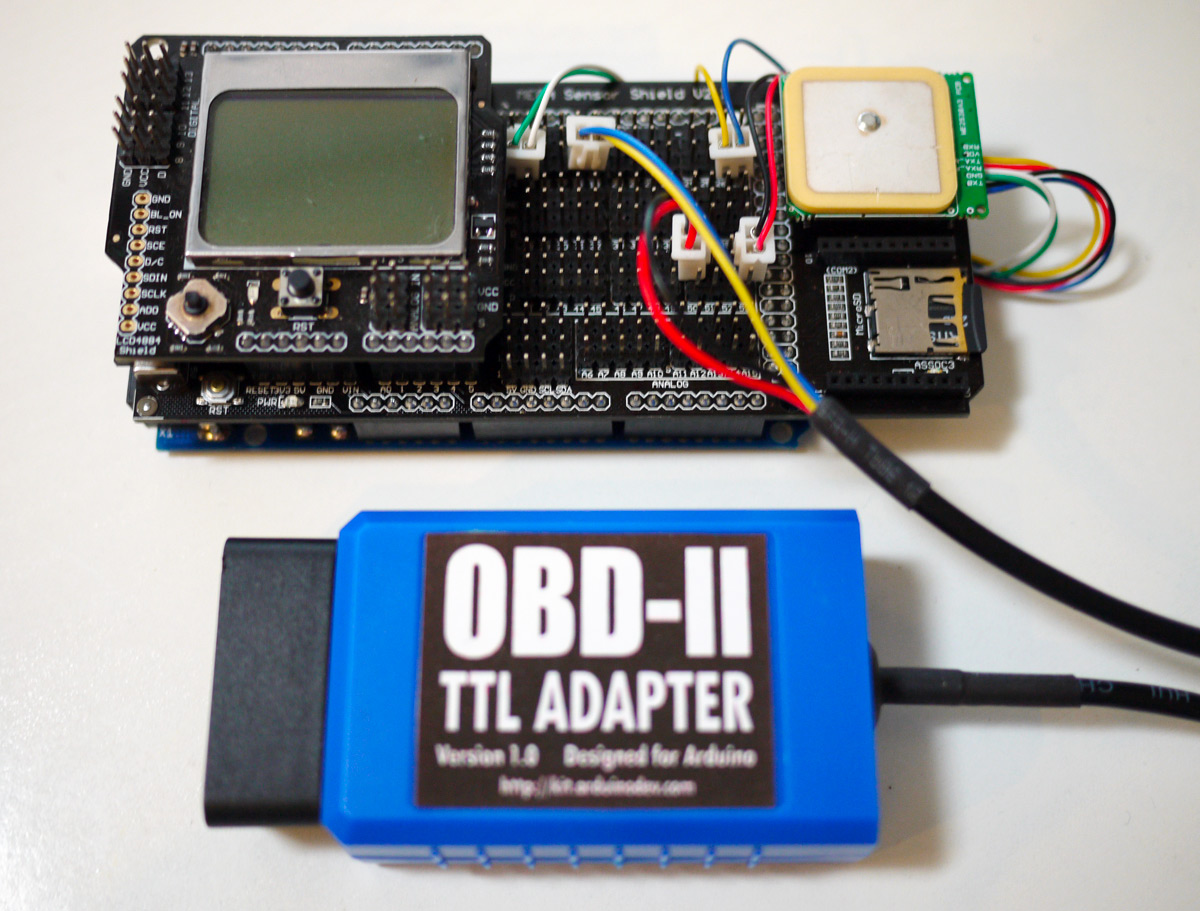
This ought to be a work putting together most of my previous research and efforts. The hardware is made up of:
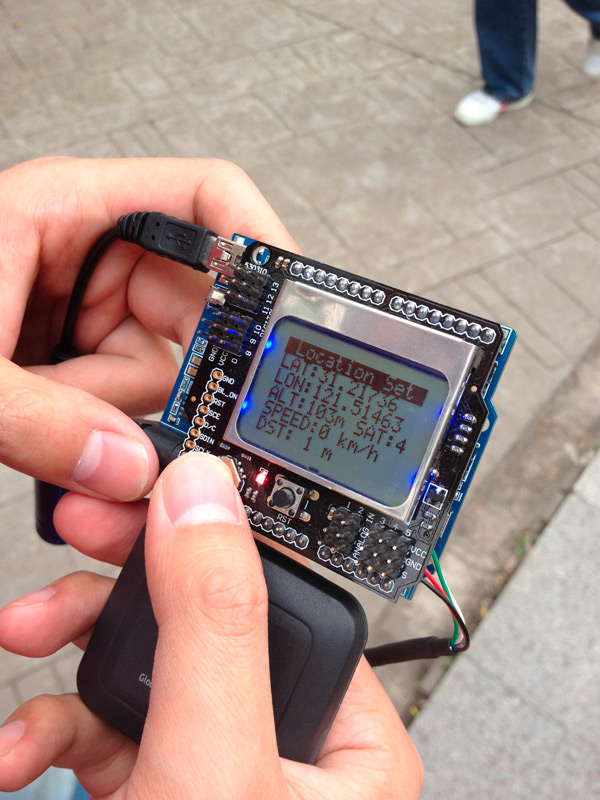 After modifying a USB GPS receiver to use with Arduino, I continued to make a further attempt to measure distance between two locations with Arduino. The idea is straight-forward, when pressing a key, current location is stored and used as start location. The line distance of current location and the start location is calculated and displayed on the LCD on the spot. Next steps are: (1) allowing entering GPS coordinates of a location (2) calculating and displaying trip distance.
If the distance between two locations is not too long, the calculation of the line distance between them can be simplified a lot by treating the earth as flat.
Most common USB GPS receivers come with a USB connector with a UART-to-USB chip built in. That means the GPS receiver itself provides serial UART output. So they can be used with Arduino by replacing it's USB connector with Rx/Tx and VCC/GND connectors. My practical test has proved that this works. What you need to make sure of is the baudrate of the GPS receiver.
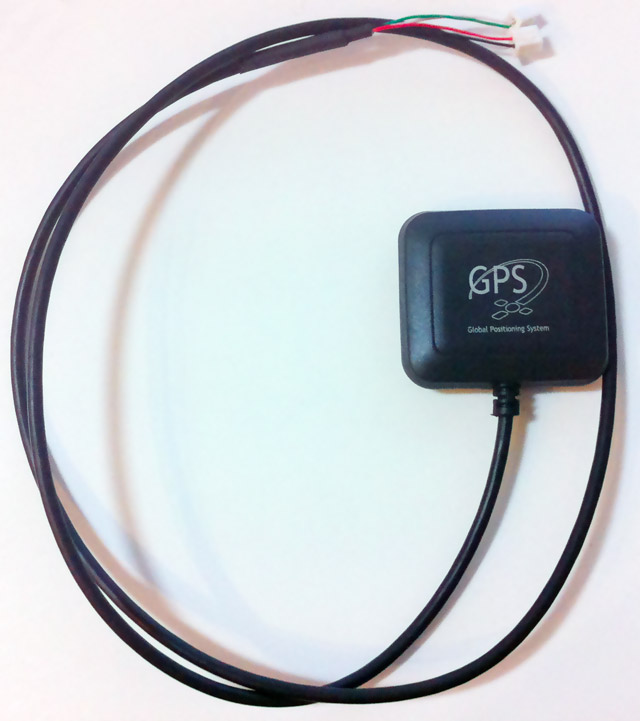
Finally I got the MTK3329 GPS module connected with Arduino. The module works in 1Hz mode by default. I referred to Adafruit’s test sketch to switch the module to 10Hz mode and the update speed rocks!
Ever wondered what goes on under the hood of your car? Wish you could peek inside the engine management system and read values from it? Annoyed that your dashboard displays a cryptic “Check Engine” light (yep, the engine is still there) but gives absolutely no explanation what the problem might be?